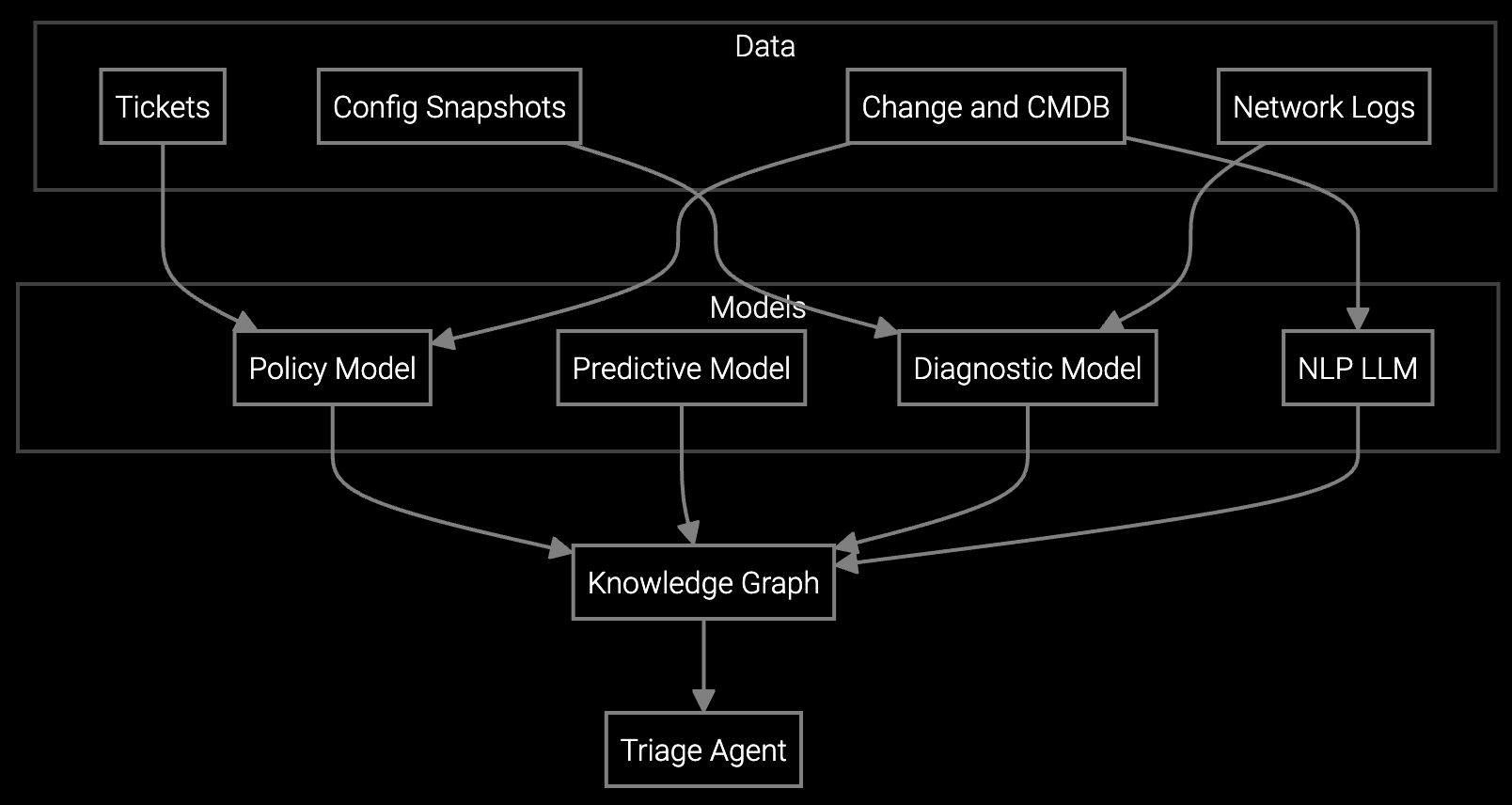
Legacy machinery generates non-standard telemetry streams that require custom parsers before AI can assist with diagnostics.
Bruviti deployment data shows AI remote support cuts fault resolution 20 to 30% and auto-triages 60% of faults on industrial equipment. Builders wire equipment logs, telemetry, and service history into one diagnostic layer, so a remote session opens with the likely cause already surfaced instead of starting from a blank screen.
Industrial equipment telemetry arrives from PLCs, SCADA historians, and proprietary controllers using incompatible protocols. Support engineers manually collect data across systems before diagnosis begins.
Equipment logs contain decades of format variations. Support engineers spend hours parsing controller outputs to identify error sequences relevant to the current failure.
Existing remote access platforms capture session context but provide no API to feed insights into your workflow. Resolution knowledge stays trapped in closed tools.
Bruviti provides Python and TypeScript SDKs that connect your existing SCADA systems and remote tools to AI-powered diagnostics. The platform ingests telemetry from OPC-UA servers, Modbus controllers, and proprietary PLCs without requiring middleware. You write custom parsers for equipment-specific log formats, then feed normalized data into pre-trained models that identify failure patterns.
The API layer sits between your remote session tools and internal case management systems. When a support engineer initiates a remote session, the platform automatically correlates live telemetry with historical failure data, surfaces relevant troubleshooting steps, and populates session notes with structured diagnostics. You control the integration points and retain full ownership of telemetry data stored in your infrastructure.
Industrial equipment manufacturers deploy Bruviti's SDK layer between legacy SCADA historians and modern remote session platforms. The integration connects to OPC-UA servers collecting vibration, temperature, and pressure data from CNC machines, compressors, and turbines. Python parsers normalize decades of proprietary log formats into structured JSON that AI models consume during remote diagnostics.
Support engineers use existing remote tools to access equipment controllers. When a session begins, the platform queries historical telemetry for similar failure signatures across the installed base. The API returns relevant troubleshooting workflows ranked by likelihood, reducing the need to escalate complex issues to senior engineers who understand legacy systems.
The Python SDK includes native connectors for OPC-UA, Modbus TCP/RTU, MQTT, and REST APIs commonly used by industrial PLCs and SCADA systems. You can also build custom parsers using the telemetry ingestion framework for proprietary protocols specific to your equipment.
Yes. Bruviti's API layer integrates with existing remote session platforms through webhooks and SDKs. When a support engineer initiates a remote session in your current tool, the platform correlates live telemetry and provides diagnostic guidance without requiring a switch to a new interface.
You retain full ownership of telemetry data. The platform supports deployment models where data stays in your on-premises SCADA historians or private cloud infrastructure. The SDK queries your data sources in real time and does not require replication to Bruviti-managed storage.
The SDK provides a log normalization framework where you define parsing rules for each equipment generation. Pre-trained models then operate on normalized data regardless of source format. You incrementally add parsers as you encounter new equipment types without retraining models.
Most industrial manufacturers complete a pilot integration in 4-6 weeks. Week 1-2 focuses on connecting telemetry sources and building custom parsers. Week 3-4 involves training support engineers on the API and building initial troubleshooting workflows. Week 5-6 measures remote resolution improvements on the pilot equipment population.
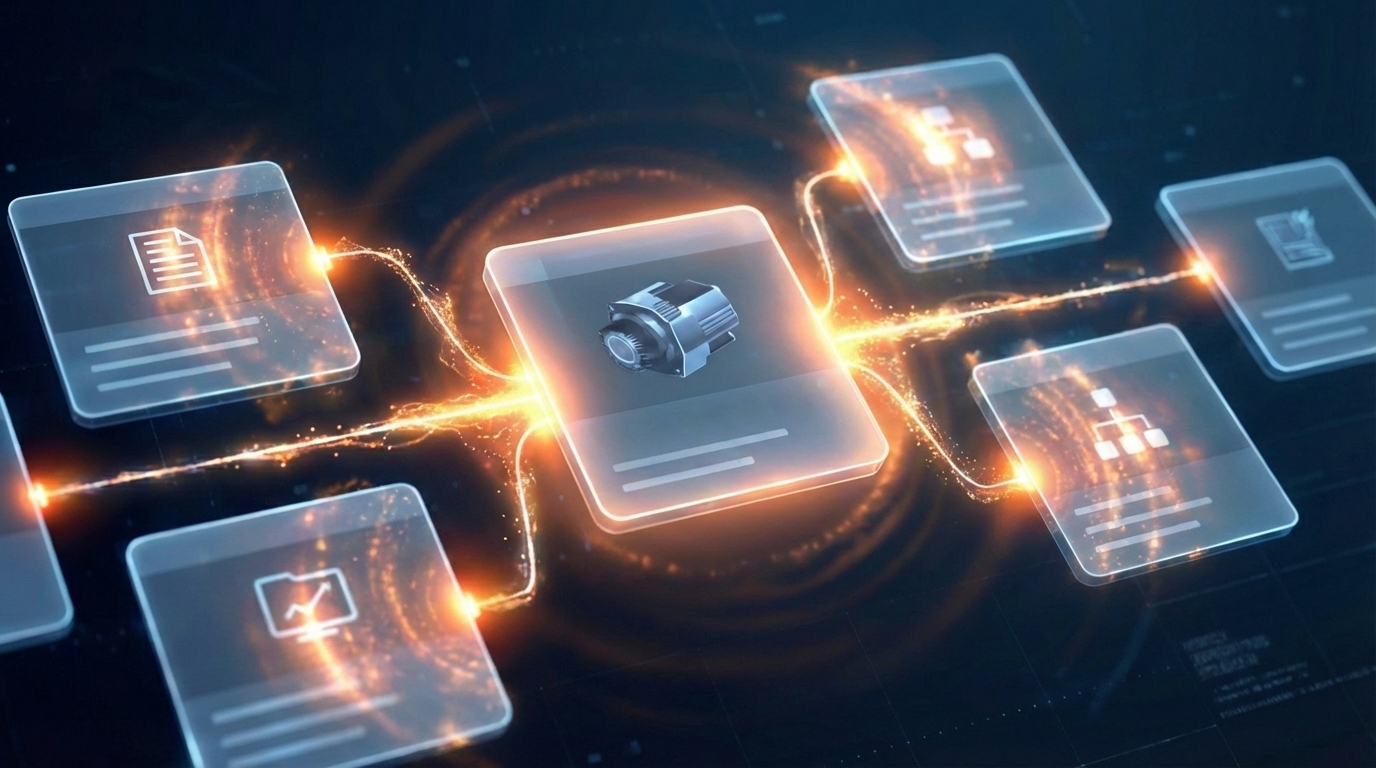
Software stocks lost nearly $1 trillion in value despite strong quarters. AI represents a paradigm shift, not an incremental software improvement.
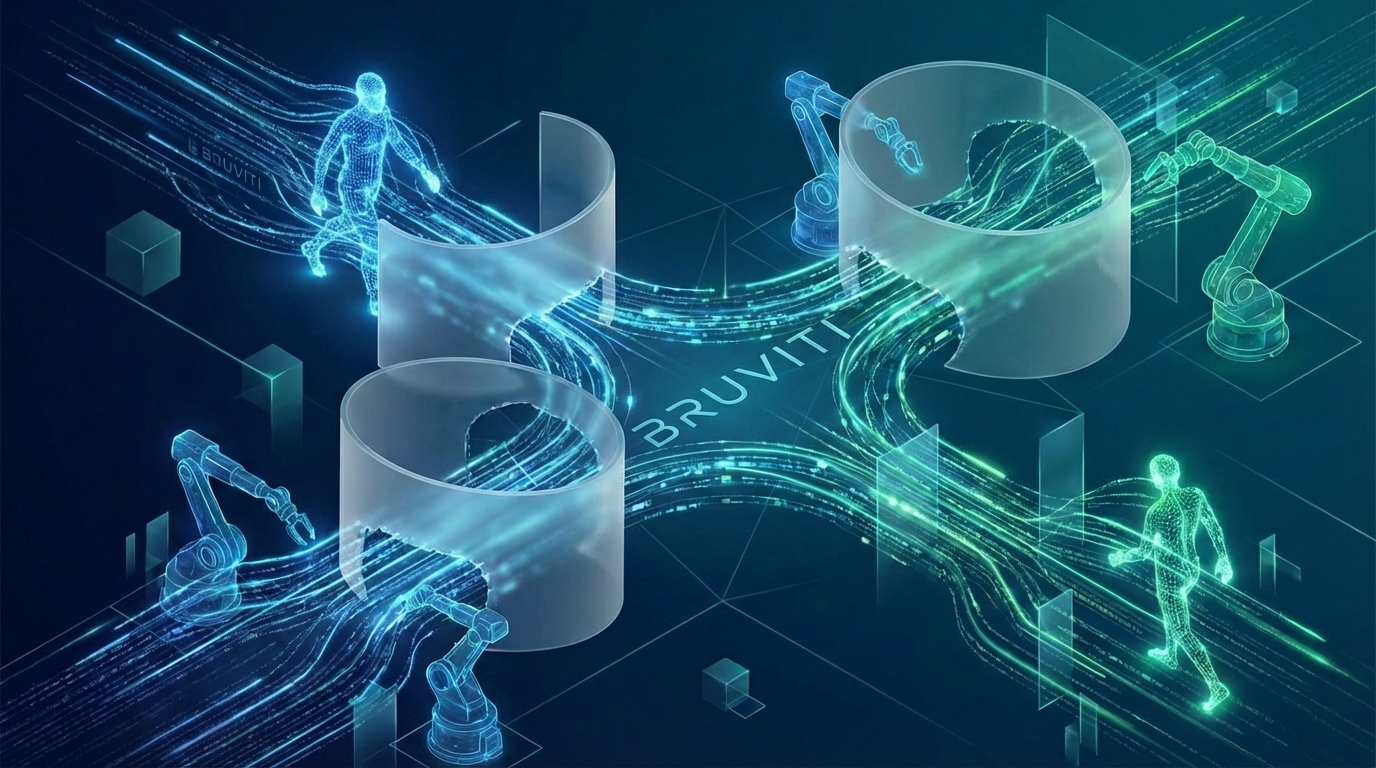
Function-scoped AI improves local efficiency but workflow-native AI changes cost-to-serve. The P&L impact lives in the workflow itself.
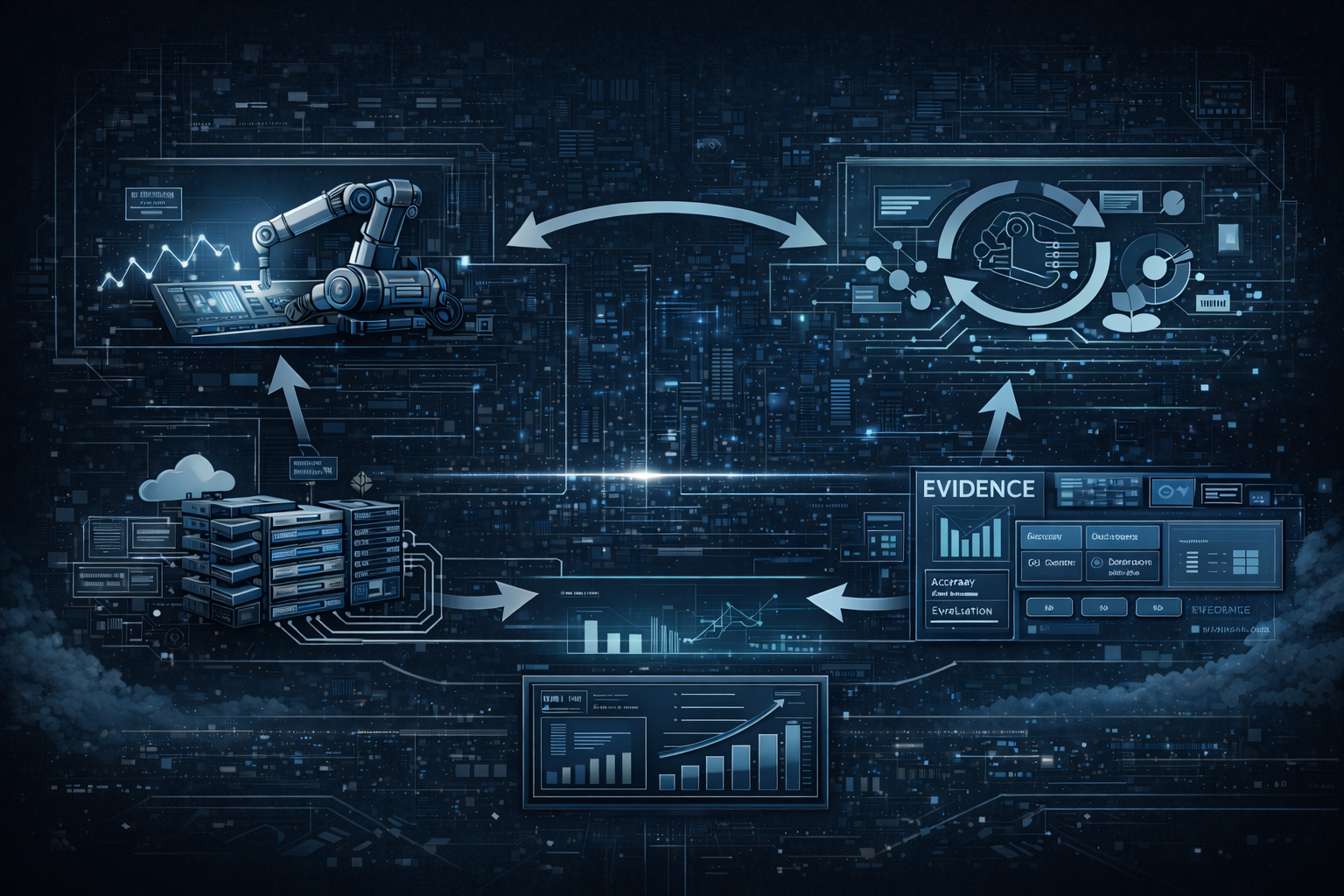
Five key shifts from deploying nearly 100 enterprise AI workflow solutions and the GTM changes required to win in 2026.
Schedule a technical walkthrough with our SDK team to review your SCADA architecture and plan your implementation.
Talk to an Integration Engineer