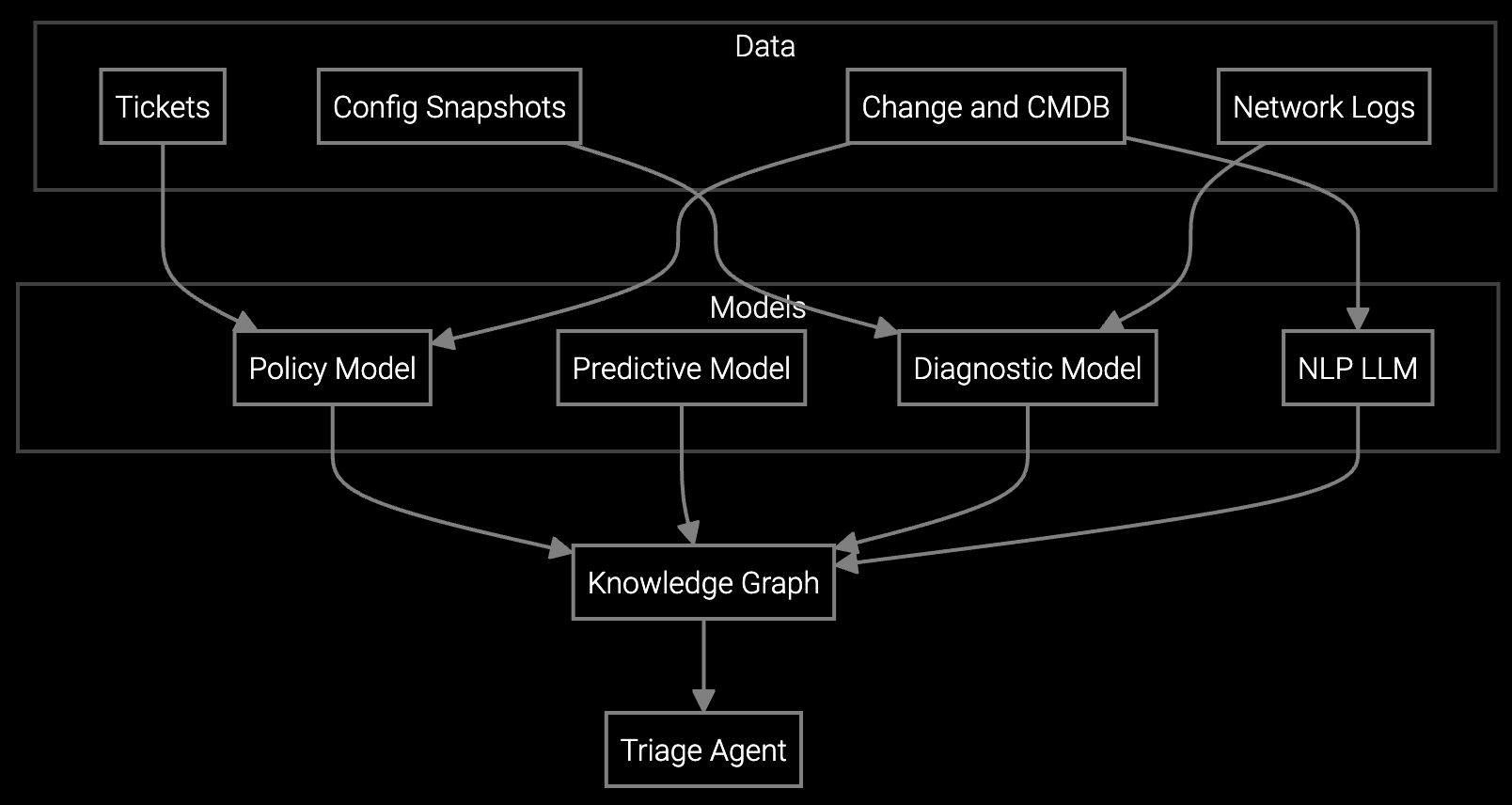
When every minute of fab downtime costs $50K+, support engineers can't waste time switching between ten different tools to diagnose a single issue.
Automated remote support workflows consolidate telemetry analysis, guided troubleshooting, and case documentation into a single interface, reducing session duration by 40% and eliminating tool-switching delays that slow semiconductor equipment diagnostics.
Support engineers toggle between remote access tools, telemetry dashboards, log viewers, parts systems, and ticketing platforms. Each tool switch adds delay and increases the risk of missing critical diagnostic data during time-sensitive fab equipment issues.
Parsing through equipment logs, recipe parameters, and sensor telemetry manually consumes hours of session time. Support engineers must correlate data across multiple sources while the fab equipment sits idle, compounding downtime costs with every passing minute.
After solving the technical problem, support engineers spend additional time manually documenting the session, updating case notes, and recording resolution steps. This administrative burden extends session duration and delays closing tickets, reducing throughput across the entire support queue.
Bruviti consolidates the entire remote support workflow into one screen. When a support engineer initiates a session, the platform automatically ingests equipment telemetry, parses log files, and surfaces relevant troubleshooting steps—without requiring the engineer to manually query separate systems. The interface presents equipment state, historical failure patterns, and recommended diagnostics side-by-side with the remote access window.
As the session progresses, the platform auto-populates case documentation in real-time based on actions taken and data collected. When the issue is resolved, case notes, parts ordered, and resolution steps are already recorded—no post-session administrative work required. Support engineers complete sessions faster and immediately move to the next issue in the queue.
Semiconductor equipment generates massive volumes of telemetry—process chamber sensors, recipe parameters, wafer handling logs, and metrology data. Traditional remote support workflows force engineers to manually access each data source through separate tools. A support session for a lithography tool alignment error might require logging into the tool's native interface, querying the fab's MES system for recipe data, checking chamber sensor logs in a third system, and cross-referencing historical failure data in yet another database.
Automated workflows eliminate this fragmentation. When a support engineer opens a session for a deposition tool issue, the platform automatically aggregates relevant telemetry from all connected sources, flags anomalies in chamber pressure or gas flow rates, and surfaces previous incidents with similar signatures. The engineer sees everything needed in one view—no manual queries, no tool switching, no delay. Resolution happens faster, and the fab equipment returns to production sooner.
The platform pre-processes telemetry and log data before the support engineer even opens the session, eliminating the manual analysis step that typically consumes 30-60 minutes per case. Engineers receive pre-identified anomalies, relevant historical patterns, and suggested troubleshooting paths immediately upon session start. This shifts time from data gathering to actual problem-solving, maintaining diagnostic rigor while cutting session duration by 40%.
The platform tracks every diagnostic action, data point reviewed, and troubleshooting step executed during the session. Case notes are generated in real-time based on these actions, capturing what was checked, what was ruled out, and what ultimately resolved the issue. Engineers can review and edit notes before closing the case, but the administrative burden of documenting from memory after the session is eliminated.
Yes. The workflow provides guided troubleshooting for common failure modes while allowing engineers to override suggestions and pursue custom diagnostic paths when needed. All data sources remain accessible within the single interface, so engineers can drill into raw telemetry, run manual queries, or access tool-specific diagnostics without leaving the platform. Automation handles repetitive analysis; engineers retain full control for complex cases.
When a case requires escalation, the platform packages all diagnostic data, attempted troubleshooting steps, and relevant equipment context into a structured handoff. The escalation recipient—whether a senior support engineer or specialist—receives complete session context without needing to recreate the diagnostic work already done. This reduces escalation resolution time and prevents redundant troubleshooting efforts.
Focus on session duration, remote resolution rate, and cases closed per engineer per day. Session duration measures efficiency gains from eliminating tool-switching and manual analysis. Remote resolution rate tracks whether faster workflows also improve first-session fix rates. Cases closed per day quantifies overall throughput improvement and helps justify workflow automation ROI to leadership.
Software stocks lost nearly $1 trillion in value despite strong quarters. AI represents a paradigm shift, not an incremental software improvement.
Function-scoped AI improves local efficiency but workflow-native AI changes cost-to-serve. The P&L impact lives in the workflow itself.
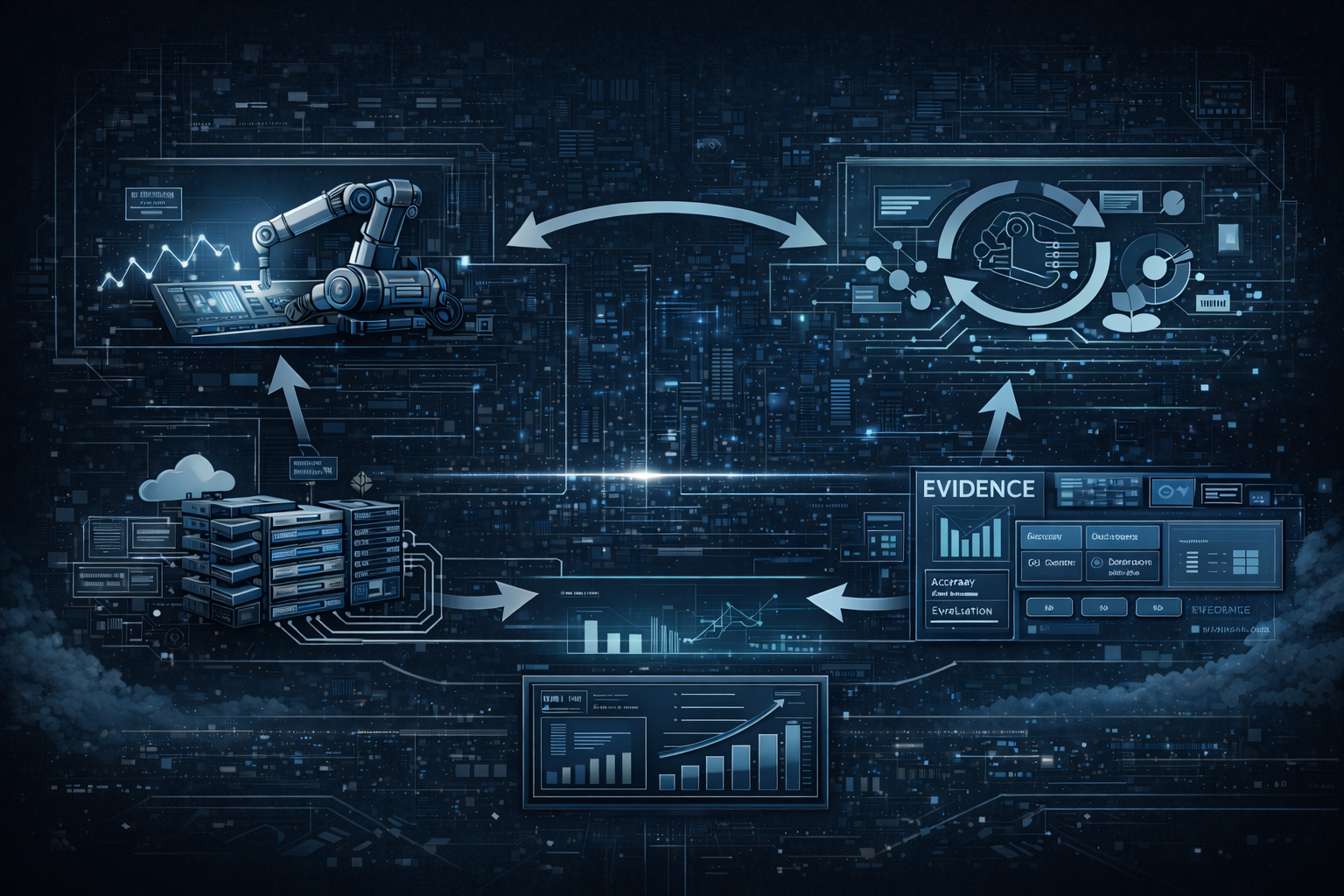
Five key shifts from deploying nearly 100 enterprise AI workflow solutions and the GTM changes required to win in 2026.
See how Bruviti consolidates remote diagnostics, troubleshooting, and documentation into one interface—no more tool-switching, no more manual log parsing.
Schedule Demo