Manual log analysis consumes hours per session while legacy equipment failures repeat—automation unlocks resolution speed.
Automated remote support workflows eliminate manual log analysis and repetitive troubleshooting. AI analyzes telemetry, executes root cause analysis, and presents validated resolution cases—support engineers review rather than investigate from scratch.
Support engineers parse megabytes of PLC and SCADA logs manually to identify fault patterns. Each remote session begins with 20-40 minutes of file review before troubleshooting even starts.
Industrial equipment diagnostics require jumping between remote access tools, SCADA interfaces, documentation systems, and ticketing platforms. Each tool switch interrupts troubleshooting flow.
Common faults recur across equipment populations, but support engineers troubleshoot from scratch each time. Solutions aren't captured systematically, forcing repeated diagnosis of identical problems.
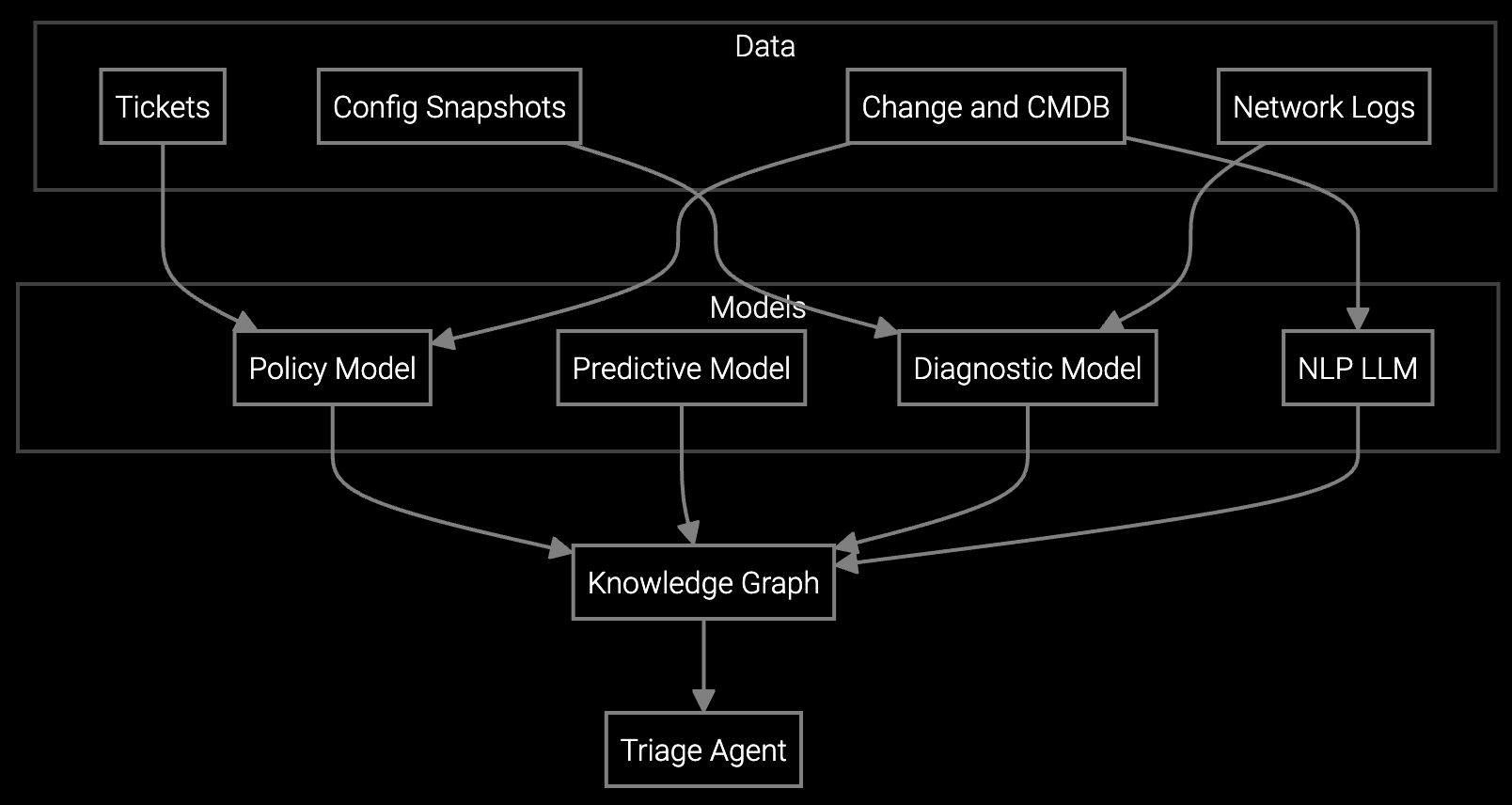
Bruviti automates telemetry ingestion from PLCs, SCADA systems, and IoT sensors on industrial equipment. When a remote session initiates, the platform has already executed root cause analysis—parsing logs, correlating fault codes with historical patterns, and identifying probable failure modes.
Support engineers receive a pre-analyzed resolution case showing the problem, likely cause, recommended action, and required parts. Instead of investigating from scratch, they validate the AI's findings and execute the fix. The workflow transforms from "search and diagnose" to "review and resolve," cutting session duration while capturing every solution for future automation.
Industrial machinery operates for 10-30 years with evolving configurations, field modifications, and aging documentation. Remote support requires context about equipment history, operating conditions, and failure patterns that manual workflows can't efficiently surface.
Legacy SCADA and PLC systems generate proprietary log formats that demand specialized knowledge to interpret. When senior support engineers handle routine remote sessions, expensive expertise gets consumed by repetitive log parsing instead of complex problem-solving. Automated workflows let AI handle telemetry analysis while engineers focus on decision-making and customer communication.
Log collection, telemetry parsing, fault code correlation, and root cause identification run autonomously. Support engineers validate findings and execute resolution steps. Over time, common resolutions automate end-to-end, with engineers handling only complex or escalated cases.
The platform learns from actual resolution patterns rather than relying solely on manuals. As support engineers resolve issues, the AI captures successful troubleshooting sequences and applies them to similar equipment—effectively building living documentation from operational history.
Yes. The platform connects to TeamViewer, LogMeIn, and proprietary OEM remote tools via APIs. Automated analysis runs in parallel with existing workflows, presenting pre-diagnosed cases within your current interface rather than requiring tool replacement.
The platform flags confidence levels on each analysis. Low-confidence cases escalate to manual review automatically. When engineers correct an AI diagnosis, that feedback trains the model—improving accuracy for future similar scenarios across the entire equipment population.
Initial time savings appear within 30 days as log analysis automation accelerates. Full workflow transformation—including pattern recognition and proactive alerting—typically achieves target metrics within 90 days as the model learns your equipment's failure signatures.
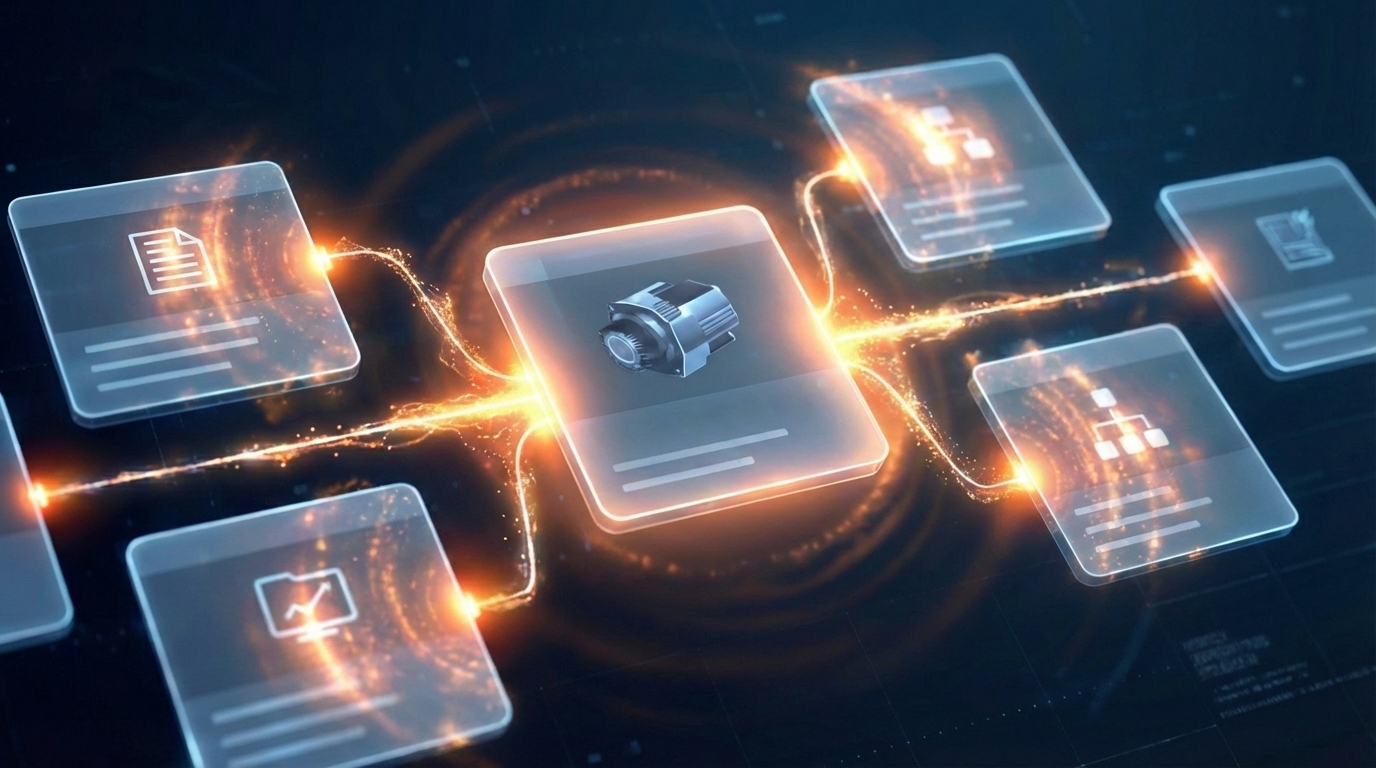
Software stocks lost nearly $1 trillion in value despite strong quarters. AI represents a paradigm shift, not an incremental software improvement.
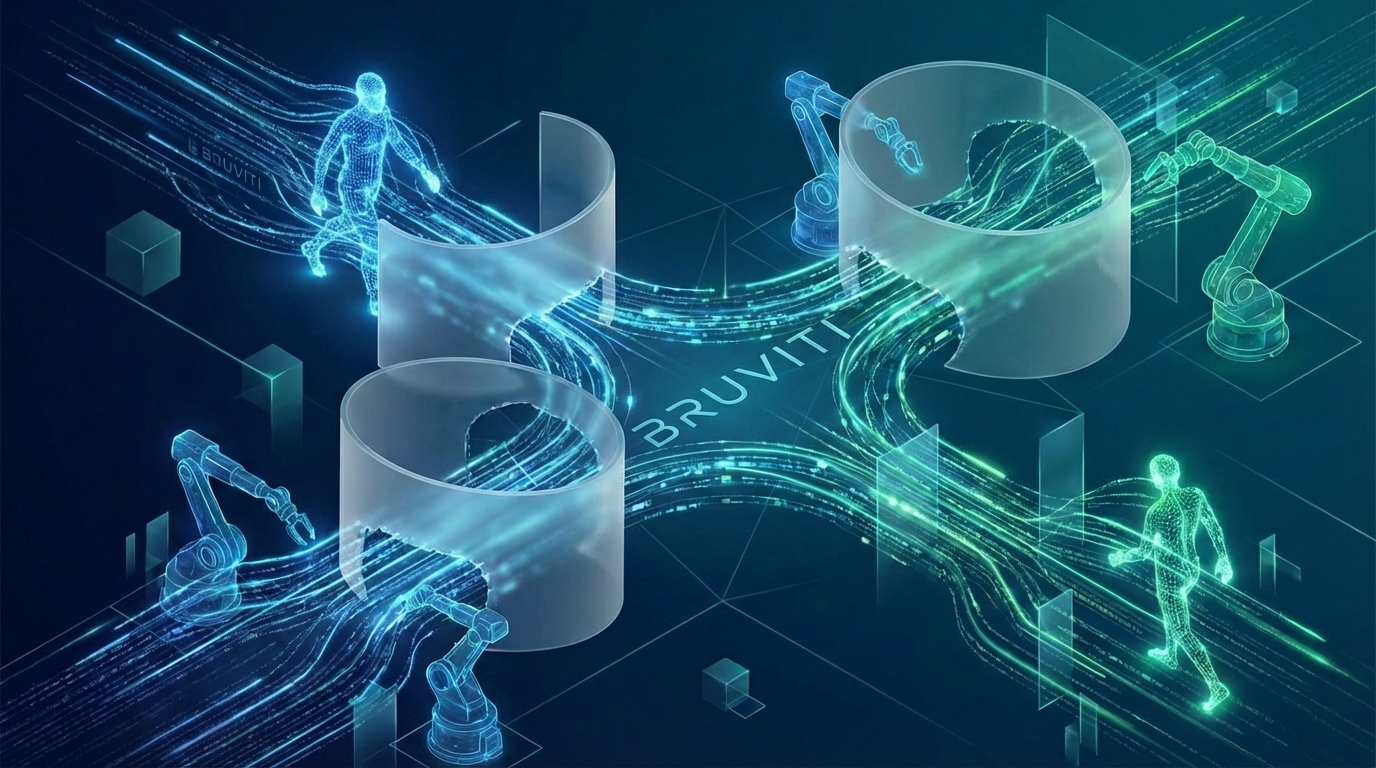
Function-scoped AI improves local efficiency but workflow-native AI changes cost-to-serve. The P&L impact lives in the workflow itself.
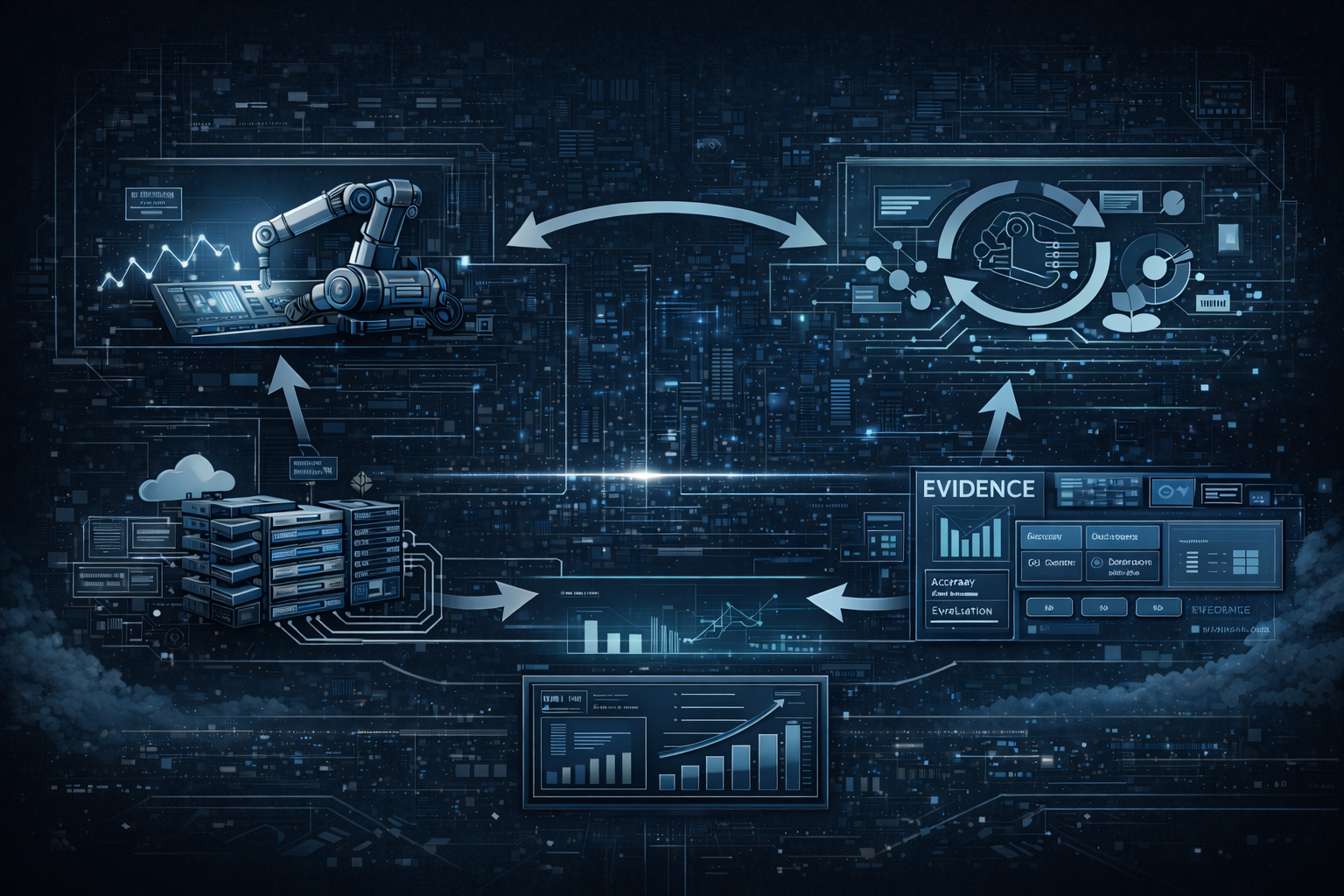
Five key shifts from deploying nearly 100 enterprise AI workflow solutions and the GTM changes required to win in 2026.
Get a custom demonstration using your actual equipment telemetry and support scenarios.
Schedule Demo