
Incomplete records block proactive maintenance. You can't predict failures on equipment you can't see.
Bruviti deployment data shows a 65% drop in time to root cause once asset and fault data are connected. For operators chasing missing or stale records across data center server fleets, that means a single trustworthy installed-base view, so diagnosing a failure no longer starts with hunting down which asset it even is.
Servers deployed without registered serial numbers or accurate configuration data leave you blind to failure patterns and warranty status.
Firmware updates, memory upgrades, and drive replacements happen faster than manual updates to your asset database, creating dangerous mismatches.
Without visibility into installed equipment and contract expiration dates, you miss renewal windows and upsell chances for maintenance extensions.
Bruviti connects directly to BMC interfaces across your server fleet, pulling serial numbers, firmware versions, memory configurations, and drive inventory in real time. Instead of chasing spreadsheets or trusting manual entry, the platform continuously syncs what's actually running in your data centers with your asset registry.
When configuration changes occur—a BIOS update, a memory module swap, or a drive replacement—the platform detects the drift automatically and updates your records. You get a single pane of glass showing actual equipment state, contract status, and warranty coverage without switching between IPMI consoles and asset tracking tools.
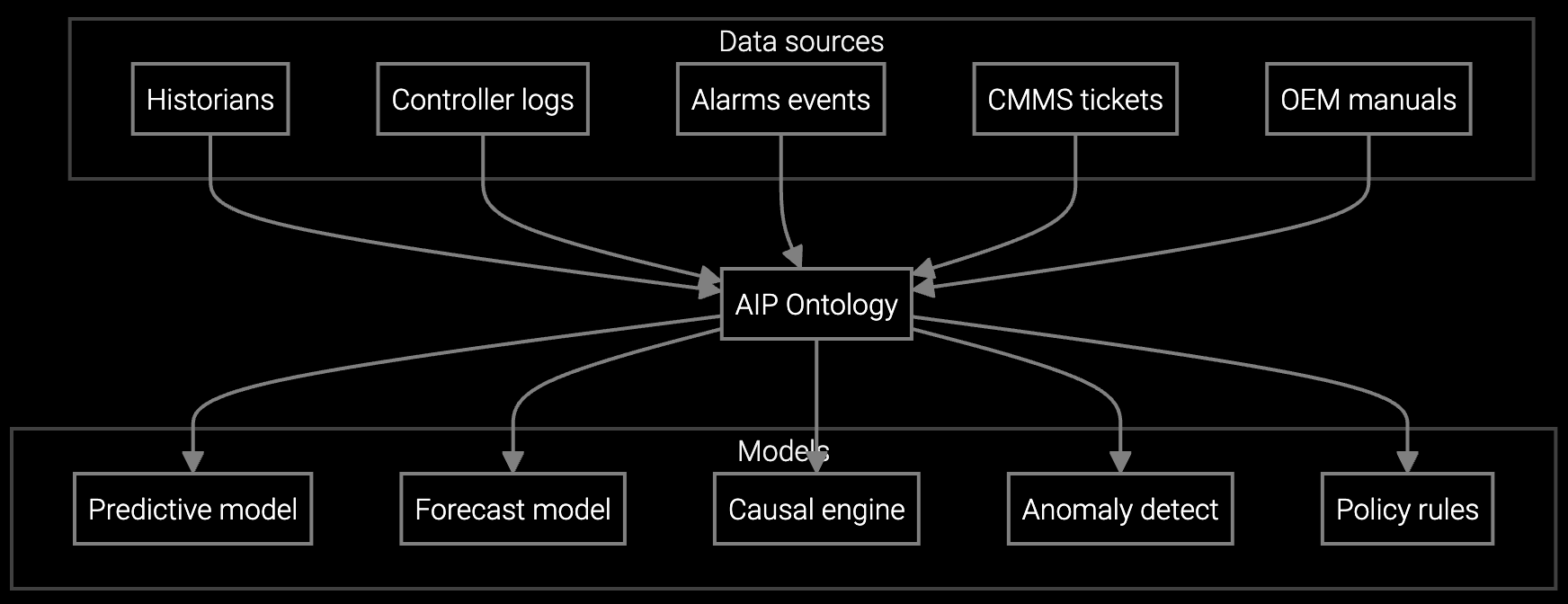
BMC telemetry streams identify power supply voltage drift and thermal anomalies before servers fail in production racks.

Drive SMART data and memory error counts predict component failures, enabling planned maintenance windows instead of emergency replacements.

Continuous monitoring of server sensor data alerts when CPU temperatures or fan speeds deviate from baseline patterns.
Data center OEMs deploy thousands of servers per customer site, with rapid provisioning cycles measured in hours, not weeks. Traditional asset tracking breaks down when you're registering 500 new nodes per day across multiple generations of hardware, each with different firmware baselines and RAID configurations.
Manual serial number entry can't keep pace with hyperscale deployments. BMC-based auto-discovery captures every deployed server the moment it powers on, building a live inventory that matches reality without human intervention. Firmware compliance checks run continuously, flagging servers drifting from approved BIOS versions before they cause security or stability issues.
The platform cross-references BMC MAC addresses, chassis IDs, and asset tags to create unique identifiers even when serial numbers are absent or duplicated. Duplicate detection flags mismatches immediately, and operators can override with manual corrections that persist across future syncs.
BMC telemetry polling detects hardware changes like memory upgrades, drive replacements, or firmware updates within hours. The platform flags the drift, logs the change timestamp, and updates the asset record automatically. You receive alerts for changes requiring approval before they sync to your system of record.
Yes. The platform links serial numbers to contract entitlements and warranty expiration dates, surfacing renewal opportunities and end-of-support alerts. You see which servers are approaching EOL alongside their actual hardware configurations and failure risk scores.
Field-level locking lets you protect manually corrected attributes from auto-sync overwrites. You can lock specific fields like location or owner while allowing firmware version and hardware configuration to sync automatically from BMC telemetry.
Older servers without IPMI or Redfish support require manual entry or alternative discovery methods like SNMP polling. The platform flags these gaps and lets you prioritize which legacy equipment to track manually versus which to retire or upgrade first.
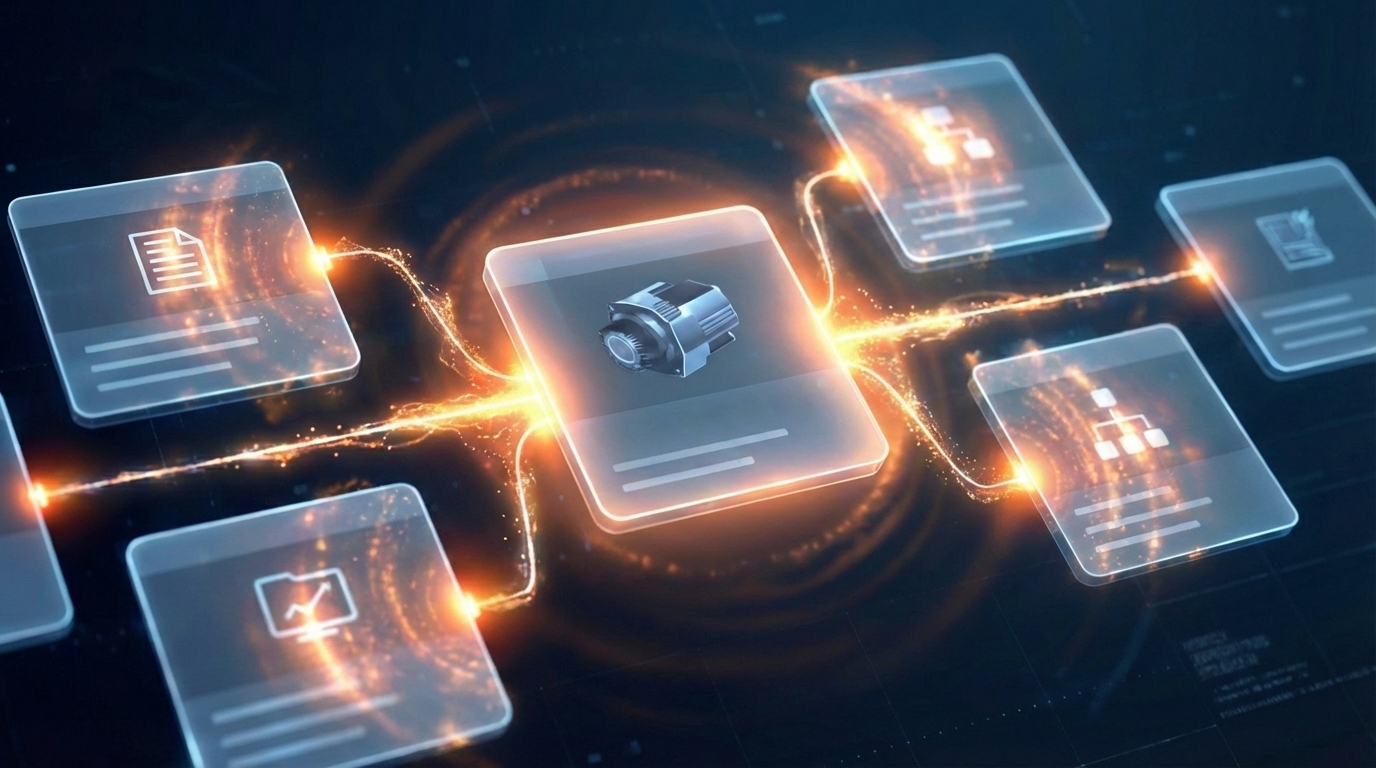
Software stocks lost nearly $1 trillion in value despite strong quarters. AI represents a paradigm shift, not an incremental software improvement.
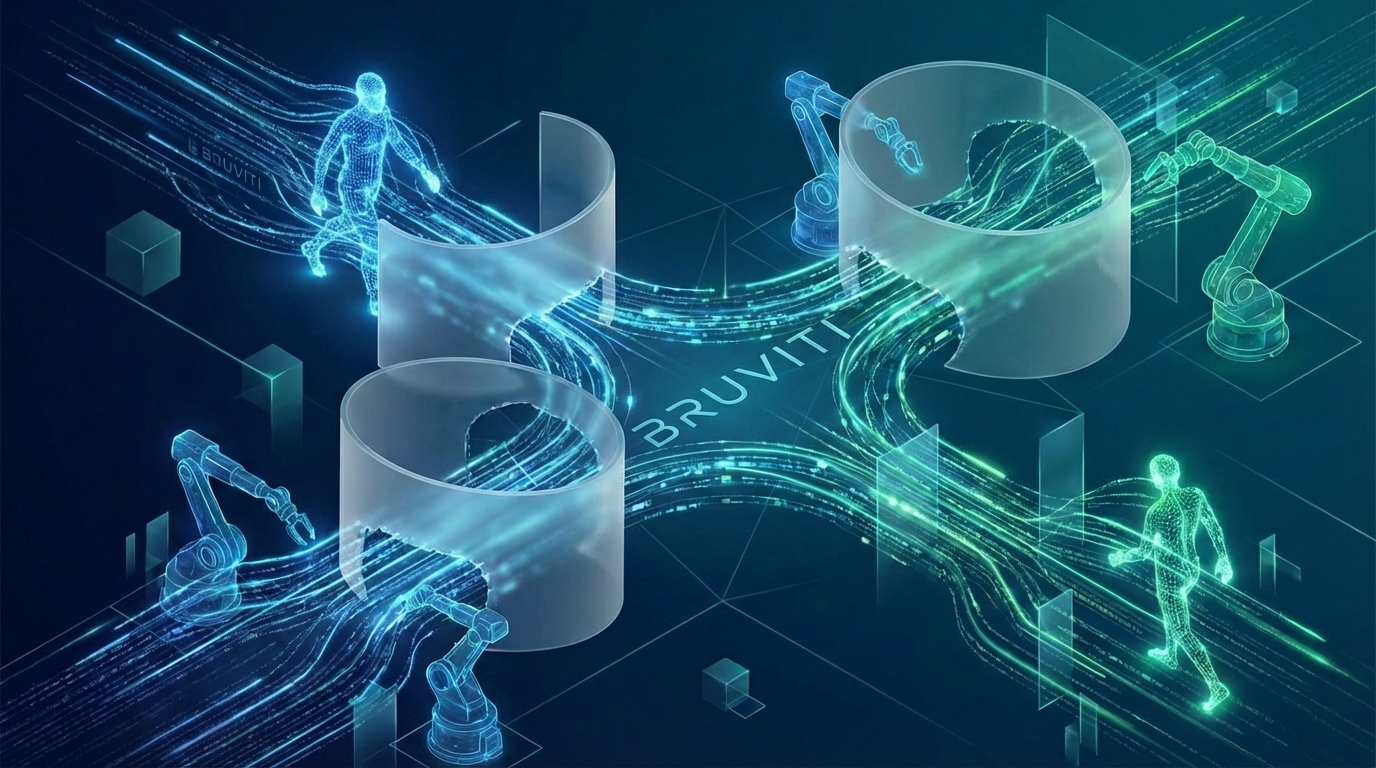
Function-scoped AI improves local efficiency but workflow-native AI changes cost-to-serve. The P&L impact lives in the workflow itself.

Five key shifts from deploying nearly 100 enterprise AI workflow solutions and the GTM changes required to win in 2026.
See how BMC-driven asset discovery eliminates manual reconciliation and flags configuration drift in real time.
Schedule Demo