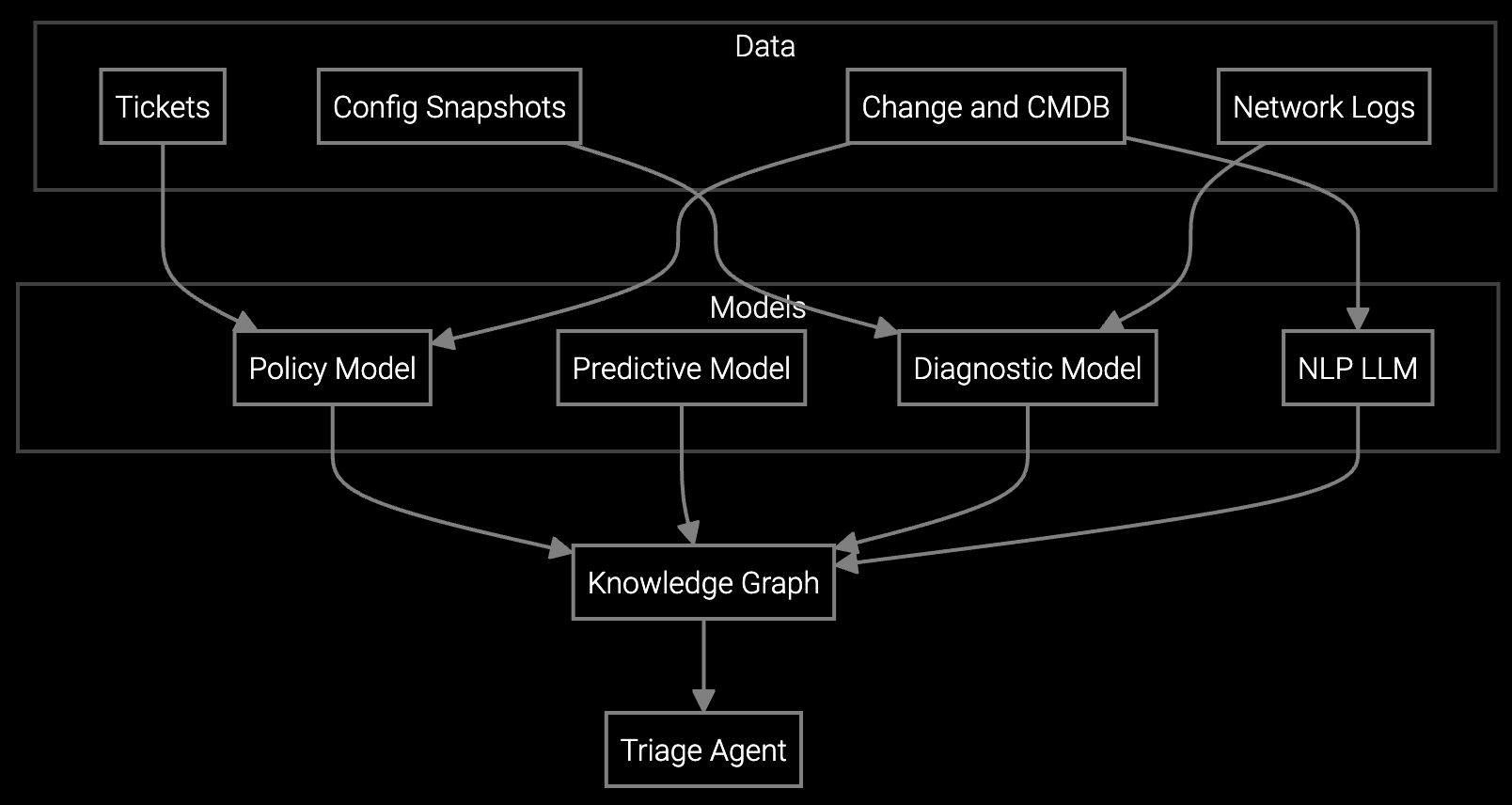
Connected appliances generate diagnostic data, but support engineers still waste hours searching logs and switching between tools.
Deploy AI remote diagnostics by integrating with existing remote access tools, connecting telemetry feeds from connected appliances, and enabling guided troubleshooting workflows that auto-populate case notes and escalation handoffs.
Support engineers juggle remote access software, warranty databases, parts catalogs, and service manuals across separate systems. Each appliance brand or product line adds another login and interface to master.
Connected refrigerators, HVAC systems, and dishwashers generate error logs and telemetry, but support engineers manually parse files to find patterns. No automation means slow diagnosis during peak seasonal demand.
Resolutions discovered during remote sessions aren't captured for reuse. New support engineers can't access institutional knowledge, extending training time and causing inconsistent customer experiences across the team.
Start with your existing remote access infrastructure and layer AI diagnostics on top. The platform integrates with tools like TeamViewer or LogMeIn, pulling telemetry from connected appliances while support engineers run remote sessions. Instead of manually searching logs, engineers receive AI-generated root cause analysis that identifies patterns across refrigerator error codes, HVAC sensor readings, or dishwasher cycle failures.
Deploy guided troubleshooting workflows that walk support engineers through resolution steps based on appliance model, symptom, and historical data. The platform auto-populates case notes from the remote session, captures resolution steps for knowledge reuse, and creates one-click escalation packages when issues require on-site service. Support engineers spend less time documenting and more time resolving.
Appliance manufacturers deploy IoT-enabled refrigerators, HVAC systems, washers, and dishwashers that stream diagnostic telemetry. The platform ingests error codes, sensor readings, and usage patterns from these connected devices, making data immediately available during remote support sessions without requiring support engineers to manually request logs from customers.
For legacy appliances without connectivity, the deployment supports manual log upload and symptom-based troubleshooting. Support engineers guide customers through error code retrieval or diagnostic mode activation, then input findings into the platform for AI-powered analysis. This hybrid approach covers the entire installed base, from decades-old models to the latest smart appliances.
Initial deployment for a single product line typically takes 2-4 weeks, including integration with existing remote access tools, telemetry feed configuration, and support engineer training. Most teams start with connected refrigerators or HVAC systems where telemetry is richest, then expand to additional appliance categories after validating the workflow.
Yes. Bruviti's platform integrates with standard remote access tools like TeamViewer, LogMeIn, and proprietary OEM remote support systems. The AI diagnostics layer sits alongside your current workflow, pulling telemetry and providing guided troubleshooting without requiring support engineers to switch tools or learn new remote connection procedures.
The platform supports symptom-based troubleshooting for legacy appliances. Support engineers guide customers through error code retrieval or manual diagnostics, then input findings into the system. AI analysis matches symptoms against historical patterns from similar models, providing resolution guidance even without live telemetry data.
Most support engineers are productive within one week of onboarding. Training covers how to initiate AI-assisted sessions, interpret guided troubleshooting steps, and review auto-populated case notes. Because the platform surfaces insights within their existing workflow, the learning curve is minimal compared to standalone diagnostic tools.
Track remote resolution rate, average session duration, and escalation rate before and after deployment. Appliance manufacturers typically see measurable improvements within 60 days—especially during seasonal demand spikes for HVAC and refrigeration—with stronger gains as the system learns from captured resolutions.
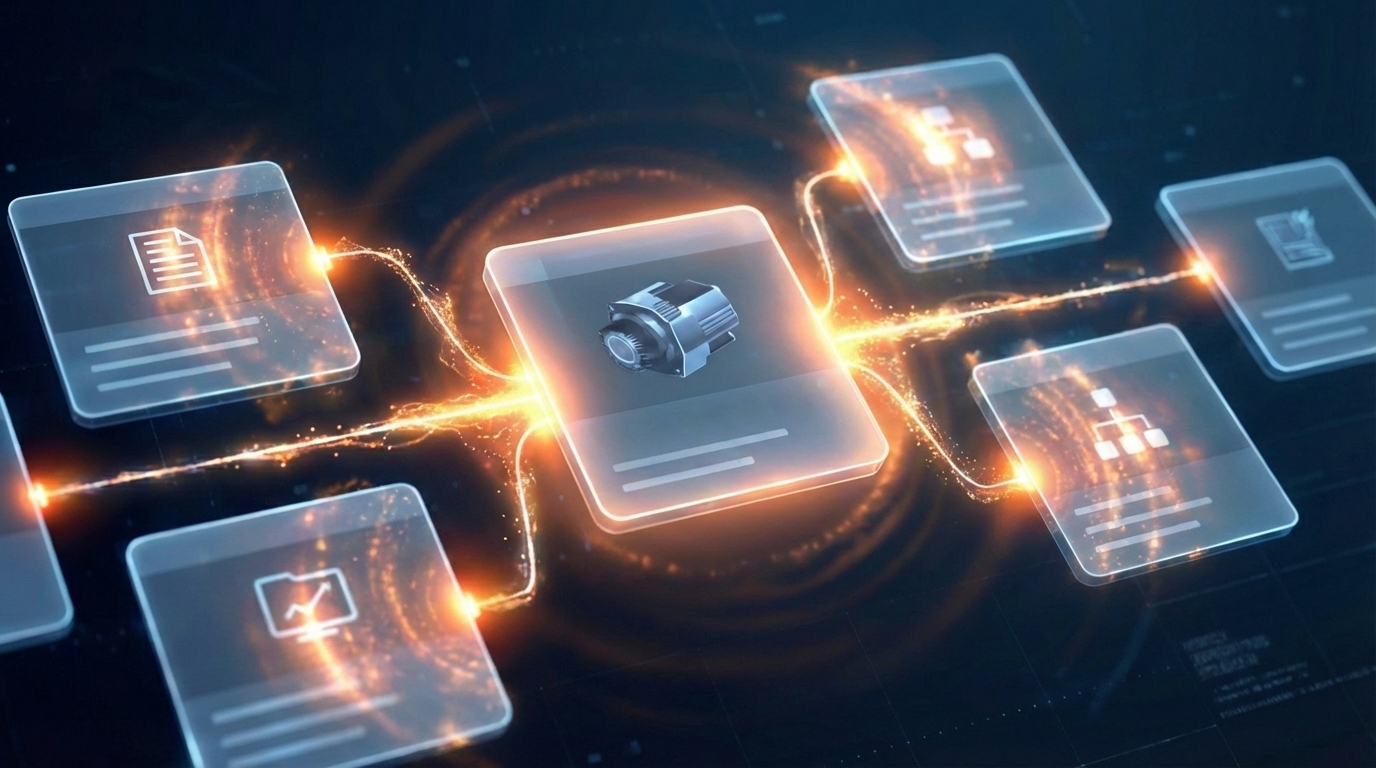
Software stocks lost nearly $1 trillion in value despite strong quarters. AI represents a paradigm shift, not an incremental software improvement.
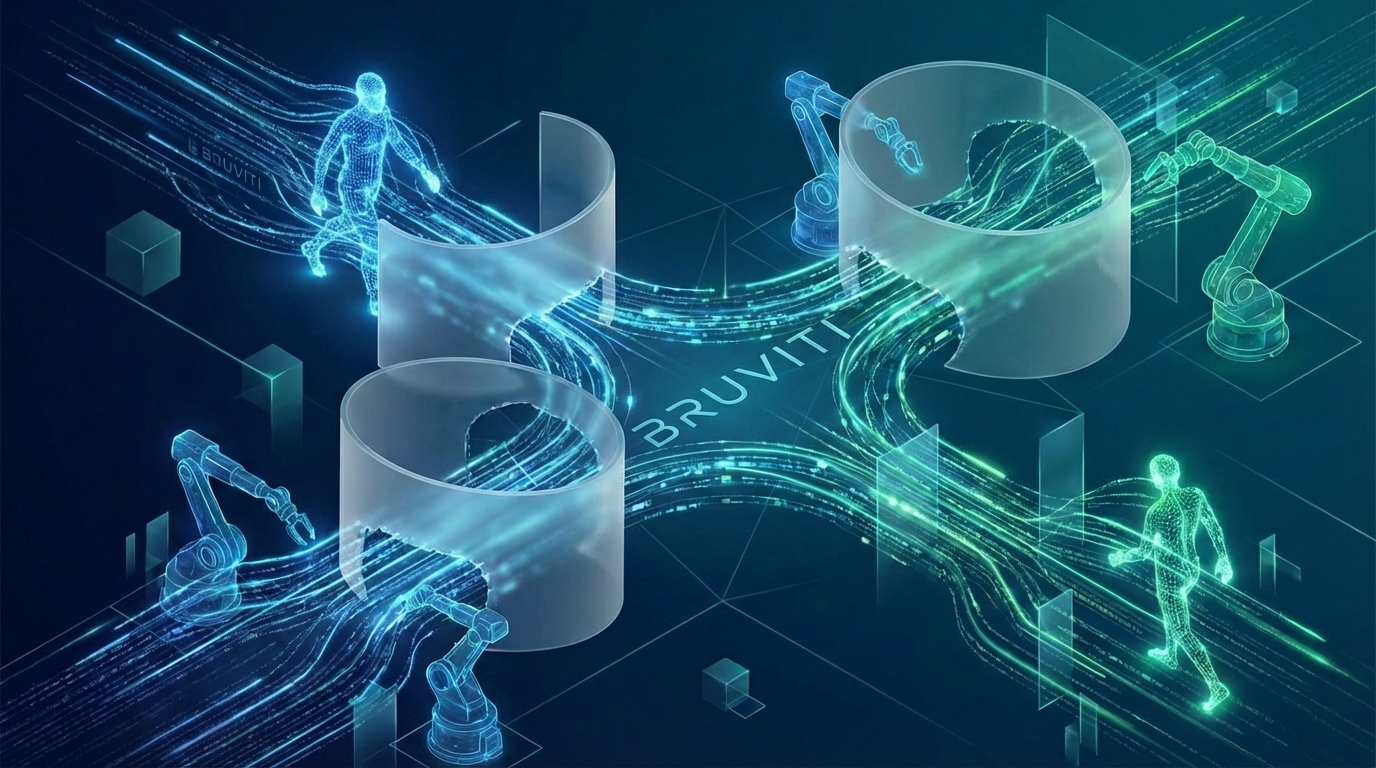
Function-scoped AI improves local efficiency but workflow-native AI changes cost-to-serve. The P&L impact lives in the workflow itself.
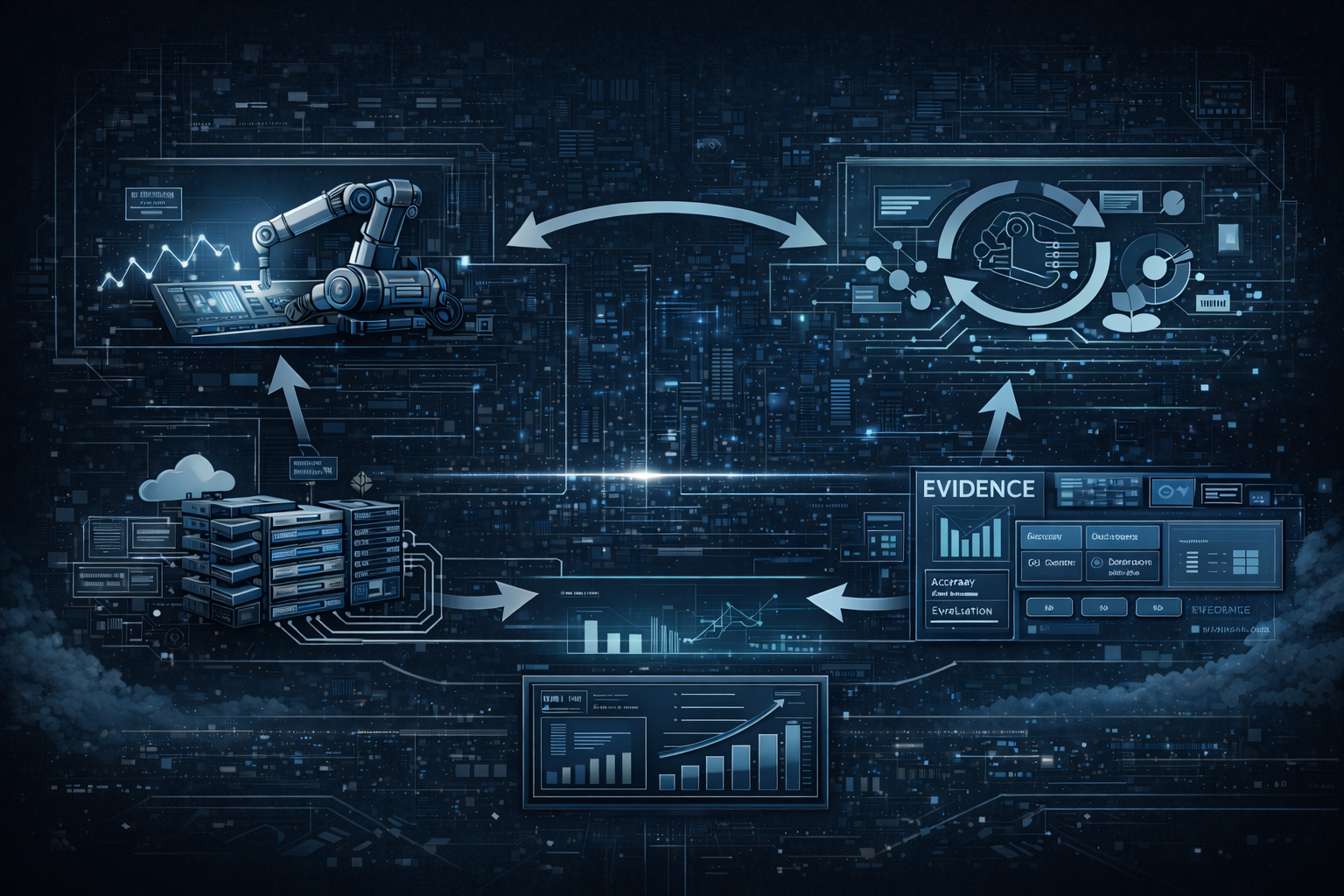
Five key shifts from deploying nearly 100 enterprise AI workflow solutions and the GTM changes required to win in 2026.
See how appliance support teams cut escalations by 40% with guided troubleshooting and automated log analysis.
Schedule Implementation Review