Peak season HVAC failures and refrigeration emergencies demand instant remote diagnosis—manual workflows can't keep pace.
Remote support workflow automation in appliance service eliminates manual log analysis and guides troubleshooting systematically. AI analyzes telemetry automatically, generates step-by-step resolution paths, and documents outcomes—reducing session duration while increasing remote resolution rates by 40-60% across major appliances and HVAC systems.
Support engineers spend 15-25 minutes per session manually parsing appliance error logs and IoT telemetry. During peak HVAC season, this delay compounds across hundreds of daily sessions, extending mean time to resolution and frustrating customers facing home disruptions.
Without guided workflows, support engineers apply different diagnostic sequences for identical symptoms. This variation leads to missed root causes, unnecessary escalations, and inconsistent customer experiences—especially problematic for connected appliances with complex failure modes.
Successful remote resolutions remain siloed in individual engineer expertise. When similar issues recur, the organization starts from scratch rather than leveraging proven diagnostic paths—wasting time and preventing continuous improvement of remote resolution capabilities.
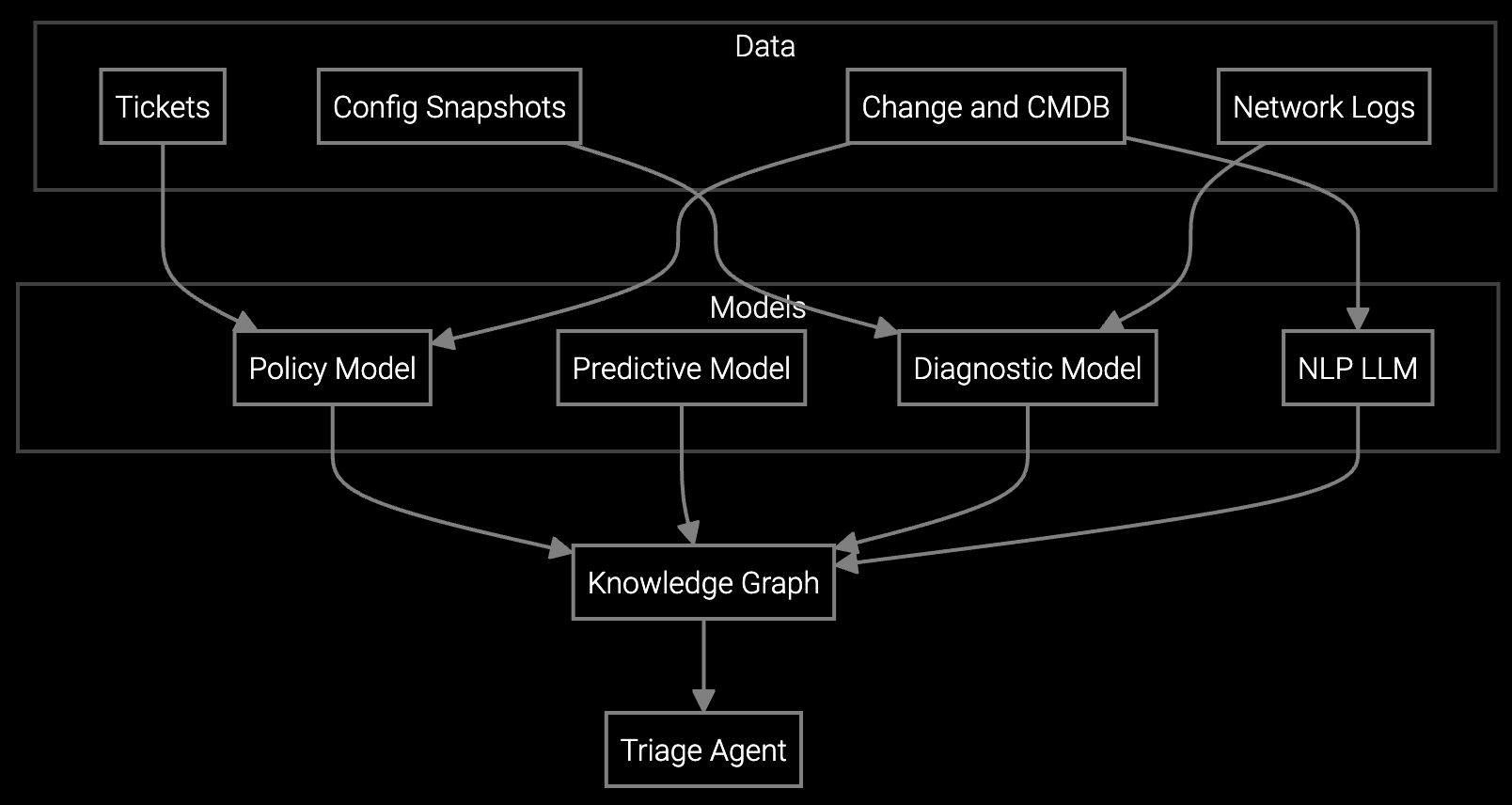
Bruviti's platform executes the entire remote diagnostic workflow autonomously—from initial telemetry ingestion through guided troubleshooting to resolution documentation. When a support session begins, the AI instantly analyzes appliance error codes, IoT sensor data, and historical failure patterns, presenting the support engineer with a prioritized diagnostic sequence specific to the equipment model and reported symptoms.
The platform orchestrates each troubleshooting step automatically. It retrieves relevant configuration data from connected appliances, cross-references symptom combinations against known failure modes, and generates precise test sequences. Support engineers validate AI-recommended actions rather than constructing diagnostic paths manually. When resolutions succeed, the platform captures the complete workflow—symptoms, diagnostics performed, root cause identified, and corrective actions—feeding continuous learning that improves future remote sessions across your entire support organization.
Appliance manufacturers face unique remote support challenges—seasonal HVAC demand spikes, consumer expectations for immediate resolution during home disruptions, and decades of product models requiring different diagnostic approaches. Traditional workflows break under this complexity, forcing support engineers to navigate fragmented knowledge bases while customers wait.
Automated workflows absorb this complexity systematically. For connected appliances, the platform ingests real-time IoT telemetry alongside customer symptom descriptions, instantly narrowing potential failure modes. For legacy equipment, it applies model-specific diagnostic trees refined from historical resolution patterns. Support engineers receive complete diagnostic context within seconds of session initiation—error codes interpreted, likely causes ranked, and recommended test sequences prepared. This transformation is especially critical during extreme weather events when HVAC and refrigeration failures surge simultaneously.
The platform applies model-specific diagnostic trees derived from historical resolution patterns when telemetry isn't available. Support engineers input customer-reported symptoms and equipment model numbers, and the AI generates troubleshooting sequences based on the most common failure modes for that appliance generation. This guided approach still reduces session duration and improves consistency compared to manual knowledge base searches.
Typical outcomes include 40-55% reduction in average session duration, 25-35 percentage point improvement in remote resolution rate, and 60-70% decrease in time spent on manual case documentation. For a service organization handling 50,000 remote sessions annually, this translates to roughly $800K-1.2M in avoided support costs plus reduced downstream expenses from fewer unnecessary escalations.
During peak seasons, automated workflows absorb volume surges by accelerating each session rather than adding headcount. Instant telemetry analysis and guided troubleshooting enable support engineers to handle 40-50% more sessions per day without quality degradation. The platform also identifies recurring failure patterns during demand spikes, enabling proactive outreach to customers with similar equipment before failures occur.
Yes, the platform integrates with standard remote access tools via API. When a support engineer initiates a screen-sharing session, the AI continues to provide diagnostic guidance and auto-populates case notes based on actions observed during the remote session. This preserves existing tool investments while adding intelligent workflow orchestration on top.
Every successful remote resolution—symptom combination, diagnostic steps performed, root cause identified, and corrective action taken—feeds the platform's learning system. As the knowledge base expands, diagnostic accuracy improves and troubleshooting sequences become more precise. For new appliance models, the system leverages patterns from similar equipment generations while capturing model-specific learnings from initial support sessions.
Software stocks lost nearly $1 trillion in value despite strong quarters. AI represents a paradigm shift, not an incremental software improvement.
Function-scoped AI improves local efficiency but workflow-native AI changes cost-to-serve. The P&L impact lives in the workflow itself.
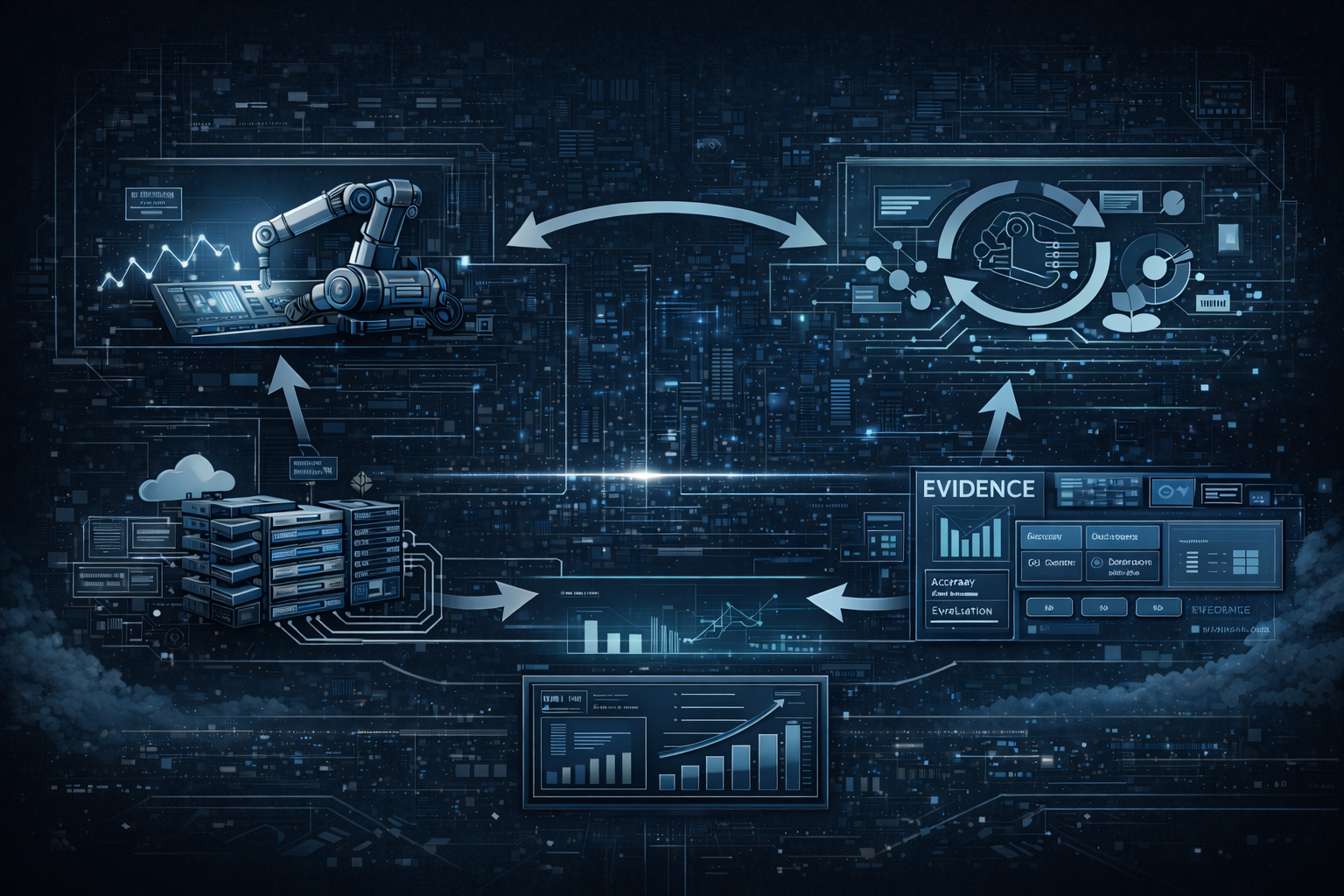
Five key shifts from deploying nearly 100 enterprise AI workflow solutions and the GTM changes required to win in 2026.
See how workflow automation delivers measurable improvement in remote resolution rates and session efficiency.
Schedule Demo