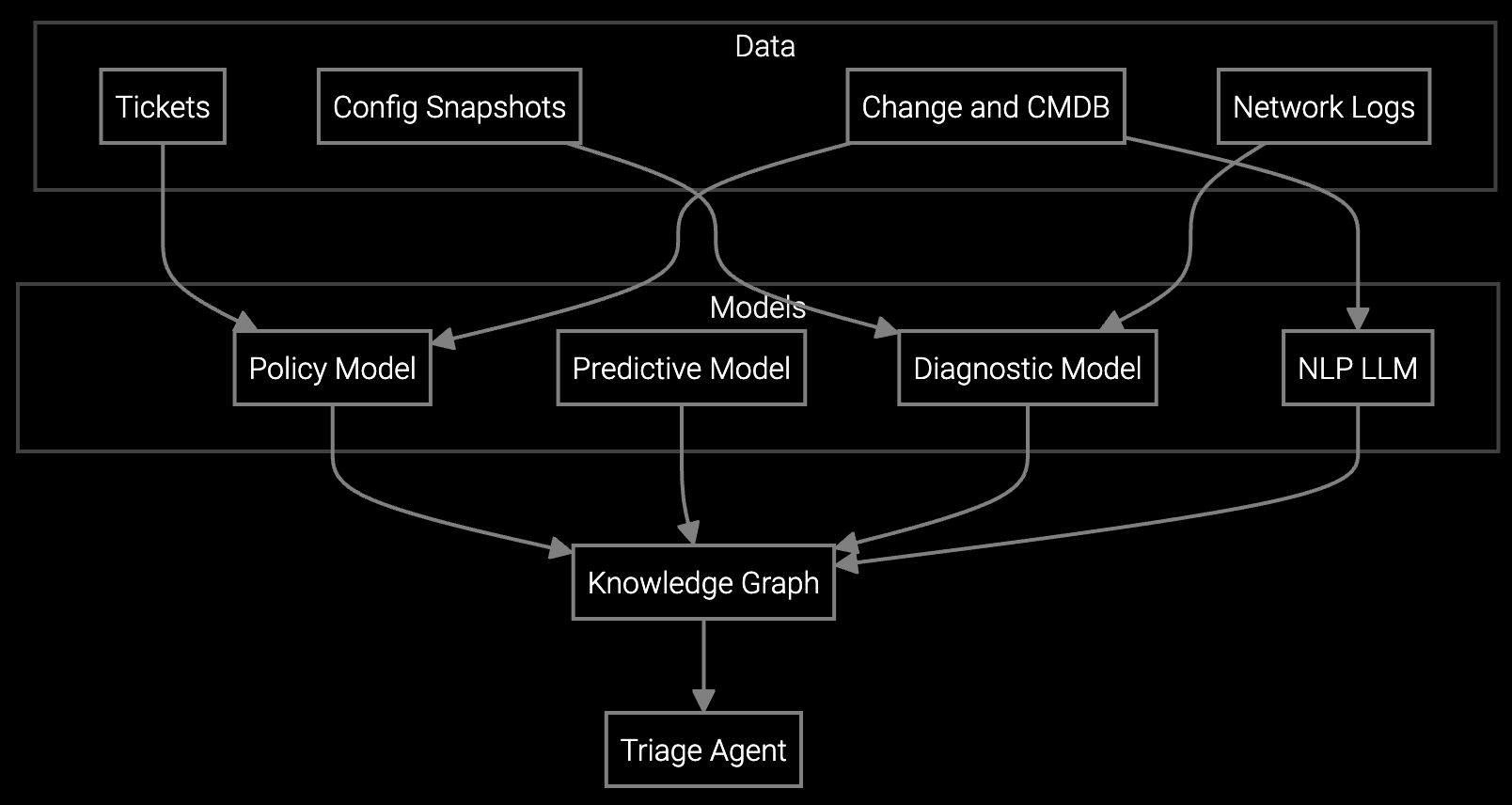
Legacy machinery runs proprietary protocols while modern systems demand REST APIs—support engineers lose hours context-switching between incompatible tools.
Industrial OEMs face remote support complexity from incompatible legacy tools, proprietary protocols, and siloed telemetry systems. API-first integration consolidates access points, normalizes data streams, and enables automated log analysis across equipment generations without vendor lock-in.
CNC machines from the 1990s use Modbus RTU, 2010s equipment speaks OPC-UA, and 2020s machinery exposes RESTful APIs. Support engineers maintain separate remote access tools for each generation, duplicating authentication flows and session management logic.
PLC logs, SCADA alarms, vibration sensor readings, and temperature data live in separate databases with different schemas. Building unified analytics requires custom ETL pipelines that break when equipment firmware updates change data formats.
Support engineers download multi-megabyte PLC dump files, grep through unstructured text for error codes, and cross-reference against PDF manuals. Pattern recognition that could automate root cause analysis requires writing regex for each equipment model's log format.
Bruviti provides Python and TypeScript SDKs that normalize telemetry ingestion across legacy Modbus, OPC-UA, and modern REST endpoints into a unified data model. Pre-built connectors handle protocol translation—you write business logic against clean JSON schemas instead of debugging serial port configurations. The platform exposes read/write APIs for remote session initiation, so your existing support portal triggers equipment access without embedding proprietary SDKs.
Automated log parsing uses domain-specific models trained on industrial equipment failure patterns. The system ingests PLC dumps, SCADA alarm logs, and sensor time-series data, then surfaces root cause hypotheses ranked by probability. Your team writes custom analysis plugins in Python—the framework handles distributed compute, model versioning, and result caching. All code runs in your VPC with data sovereignty guarantees; the platform never trains on your proprietary logs.
Industrial OEMs support machinery installed across 10-30 year lifecycles, where a single production line may combine decades-old CNC mills, mid-generation robotic arms, and recently deployed IoT-enabled compressors. Remote support engineers face protocol fragmentation: legacy equipment requires serial terminal access via proprietary vendor software, while modern systems expose OPC-UA servers or RESTful APIs.
Support sessions routinely span multiple systems—diagnosing a material handling failure requires correlating PLC state from conveyors, vibration data from motors, and hydraulic pressure logs from actuators. Without unified telemetry access, engineers manually copy-paste sensor readings between applications, introducing transcription errors and delaying root cause identification by hours.
The platform uses vendor-approved gateway appliances that sit between legacy equipment and the API layer. For Modbus RTU, OPC-UA, Profinet, and EtherCAT, we deploy certified protocol stacks that comply with PLCopen and OPC Foundation standards. You own the gateway code—it runs on your hardware and never transmits raw telemetry externally.
Yes. The platform provides Python model training APIs and containerized deployment workflows. You label historical failure logs with root cause annotations, trigger retraining jobs in your VPC, and version models using standard MLOps tooling. Base models provide transfer learning starting points; fine-tuning on 500-1,000 labeled events typically achieves 85%+ precision for equipment-specific fault codes.
SDKs are Apache 2.0 licensed and wrap standard protocols—Modbus TCP, OPC-UA, MQTT, and REST. Data normalization logic outputs OpenTelemetry-compliant JSON, which works with any time-series database or analytics platform. If you migrate to another vendor, your integration code continues functioning; only the hosted inference layer requires replacement.
Remote sessions use ephemeral TLS tunnels with certificate-based mutual authentication. Support engineers request time-limited access tokens from your IAM system; the platform enforces session expiry and audit logging but never stores credentials. Network traffic stays within your VPN—no equipment data traverses public internet or third-party infrastructure.
The API layer queries existing SCADA historians, PLC data lakes, and sensor databases in place using federated query patterns. You configure connection strings and authentication; the system builds query plans that push computation to source databases where possible. No data migration required unless you want centralized analytics for cross-equipment correlation.
Software stocks lost nearly $1 trillion in value despite strong quarters. AI represents a paradigm shift, not an incremental software improvement.
Function-scoped AI improves local efficiency but workflow-native AI changes cost-to-serve. The P&L impact lives in the workflow itself.
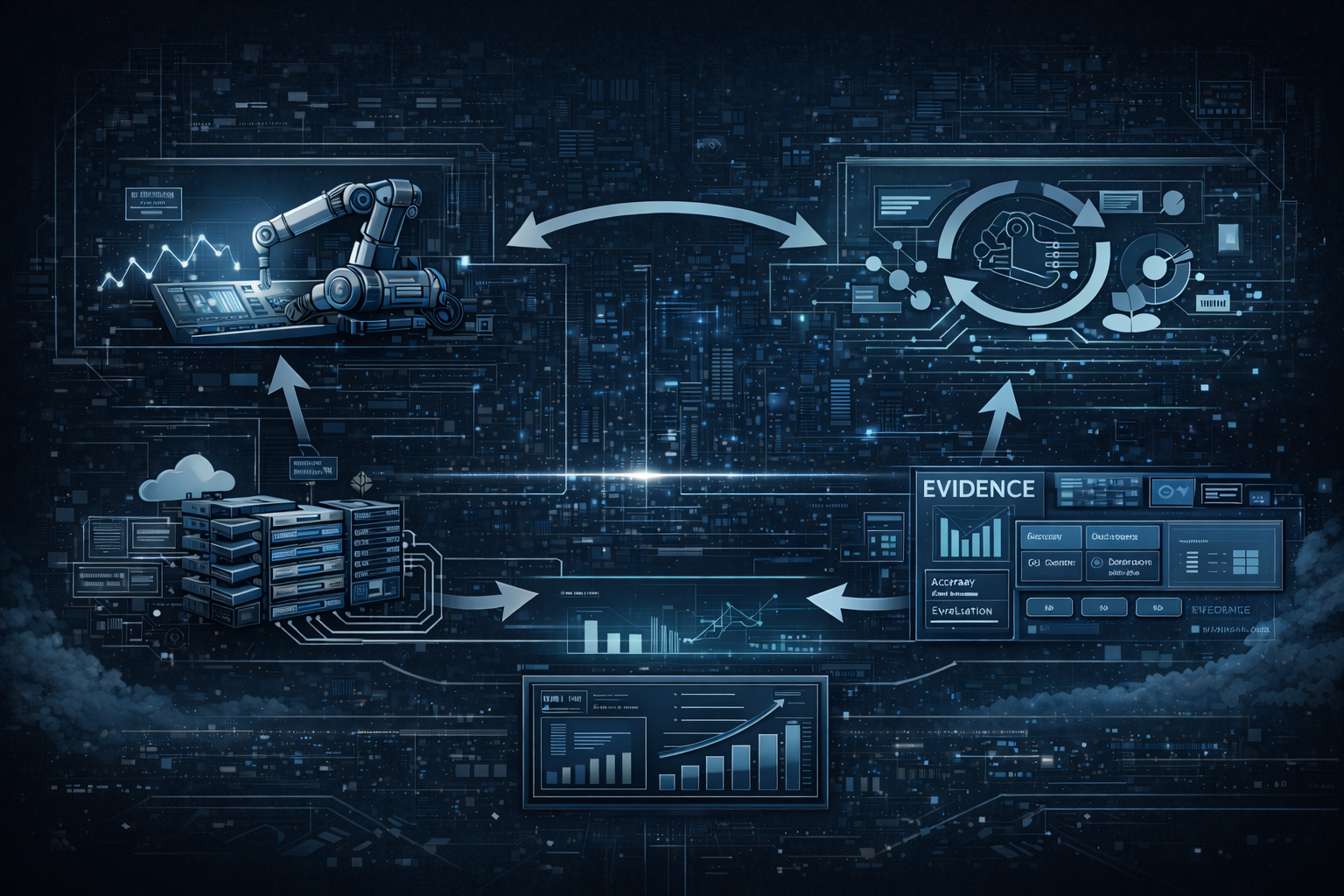
Five key shifts from deploying nearly 100 enterprise AI workflow solutions and the GTM changes required to win in 2026.
Connect to your development PLC or SCADA historian and run sample queries in under 30 minutes.
Access Developer Sandbox